install
About
This batch script will help you install and run the 9Hits application without GUI on Linux to start earning points, any patches are welcome :)
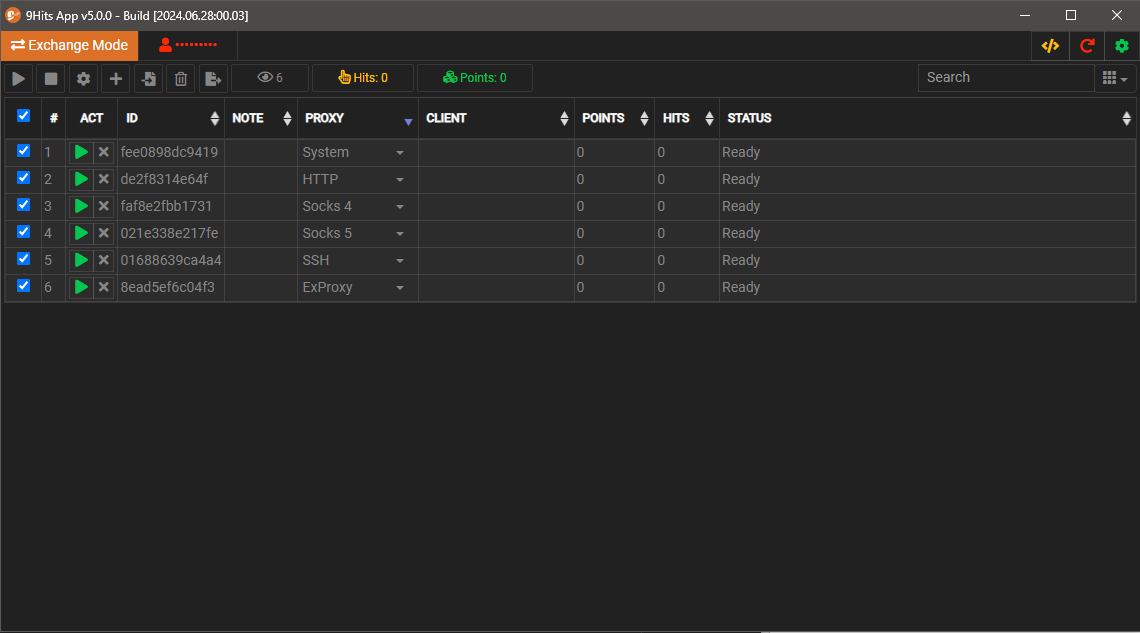
Requirements
Works best on Debian 11, and Ubuntu 20. The other distros should work but are not well-tested.
Install
curl -sSLk https://9hitste.github.io/install/5.0.0/linux.sh | sudo bash -s -- options
Available options
| Option | Description |
| — | — |
| –install-dir | Where to download and extract the 9Hits App, default is $HOME |
| –download-url | override the default download URL, useful when you want to download a pre-configured 9Hits App|
| –token | Your 9Hits token |
| –note | Note for the computer that install the 9Hits App, useful on the remote page |
| –allow-popups | yes or no |
| –allow-adult | yes or no |
| –allow-crypto | yes or no |
| –system-session | Create the system session (that uses the real IP of the machine) |
| –ex-proxy-sessions | Number of the sessions that use external proxy |
| –ex-proxy-url | The proxy pool URL, leave empty to use 9hits proxy (not recommended) |
| –bulk-add-proxy-list | The proxy list used to create sessions in bulk, the format should be server:port;user1;pass1\|server:port;user2;pass2 (| separated) |
| –bulk-add-proxy-type | Type of the proxy list that is used to create sessions, possible value: http, socks4, socks5, ssh |
| –session-note | Note for the created sessions |
| –cache-dir | Override the default cache dir |
| –create-swap | Create swap, eg: –create-swap=10G |
| –cache-del | 0: no cache, -1: never delete cache, 100-200-500-1000: clear cache after a corresponding number of views |
| –auto-start | Auto start on startup |
| –hide-browser | Hide browser |
| –schedule-reset | Restart the 9Hits App periodically, possible values: 1 - Hourly, 2 - every 2 hours, 6 - every 6 hours, 12 - every 12 hours, 24 - every day. |
| –clear-all-sessions | Clear all created sessions (if they exist from the previous install) |
Examples
All examples below are default to create 10G SWAP, this is recommended if your computer uses an SSD and has limited RAM, you can remove it if you don’t need it.
- Just start the app with your token, you can then go to the Remote Page to continue the configuration
curl -sSLk https://9hitste.github.io/install/5.0.0/linux.sh | sudo bash -s -- --token=186eaced825ab3e3468dfda97d880123 - Run 1 system session:
curl -sSLk https://9hitste.github.io/install/5.0.0/linux.sh | sudo bash -s -- --token=186eaced825ab3e3468dfda97d880123 --system-session --allow-crypto=no --create-swap=10G - Run 1 system session + 10 sessions using your own pool
curl -sSLk https://9hitste.github.io/install/5.0.0/linux.sh | sudo bash -s -- --token=186eaced825ab3e3468dfda97d880123 --system-session --ex-proxy-sessions=10 --ex-proxy-url=http://my_pool_url/ --allow-crypto=no --session-note=http-pool --note=my-vps --hide-browser --create-swap=10G - Run 1 system session + 2 sessions using the bulk add option, the value of –bulk-add-proxy-list should be wrapped by double quotes “
curl -sSLk https://9hitste.github.io/install/5.0.0/linux.sh | sudo bash -s -- --token=186eaced825ab3e3468dfda97d880123 --system-session --bulk-add-proxy-type=ssh --bulk-add-proxy-list="12.24.45.56;user;pass|my-ssh.com;admin;12345" --allow-crypto=no --session-note=my-ssh --note=my-vps --hide-browser --create-swap=10G